Grow Your Store with FlyerAll
Send text messages, share your weekly ads, reward your customers and keep them coming back.
How It Works
From sign-up to reward, here's the whole customer journey.
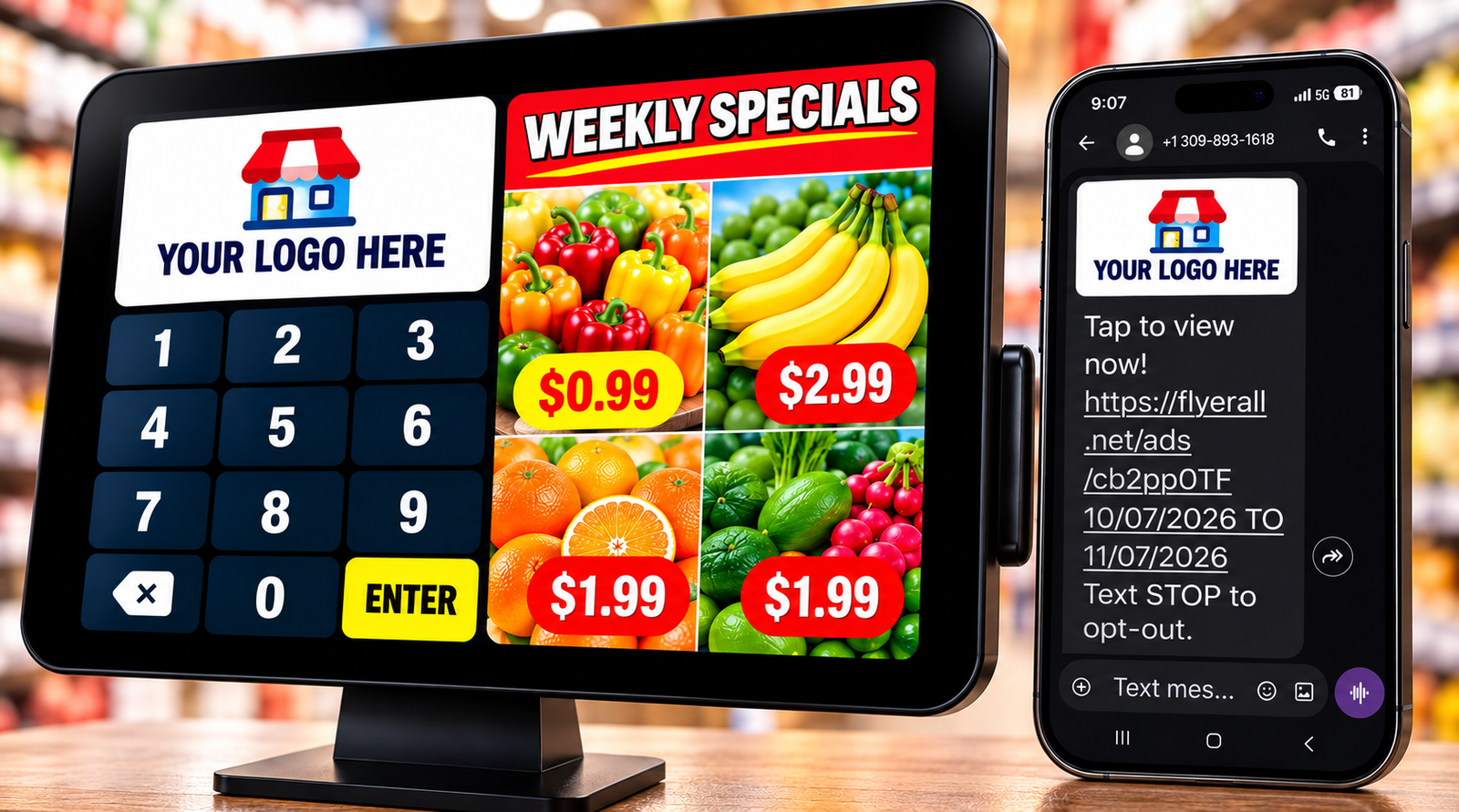
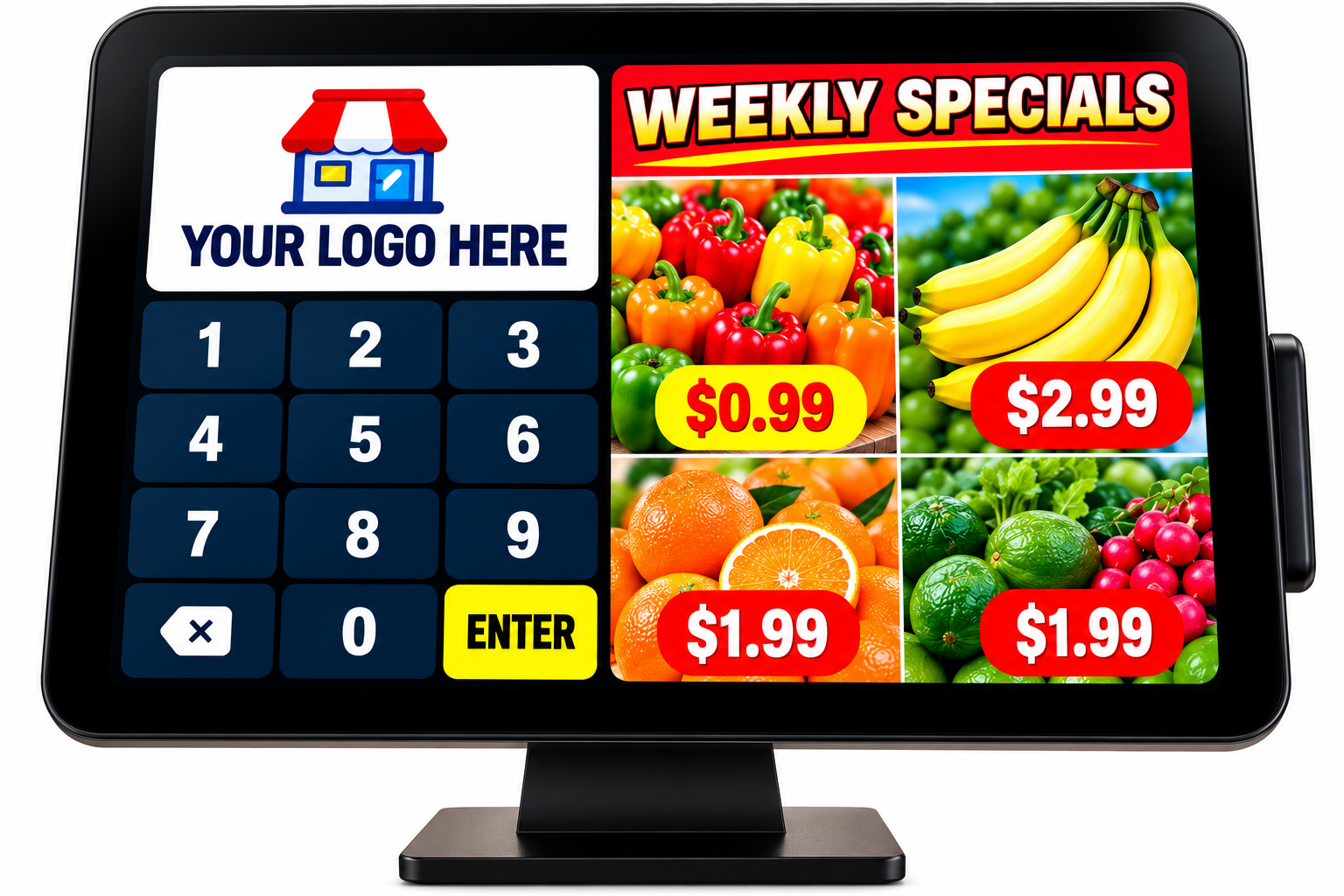
Customer Enters Phone Number
At the checkout counter, customers enter their mobile phone number on the FlyerAll tablet.
- Quick & easy sign up
- One time per day
- Built for your store
Review & Agree
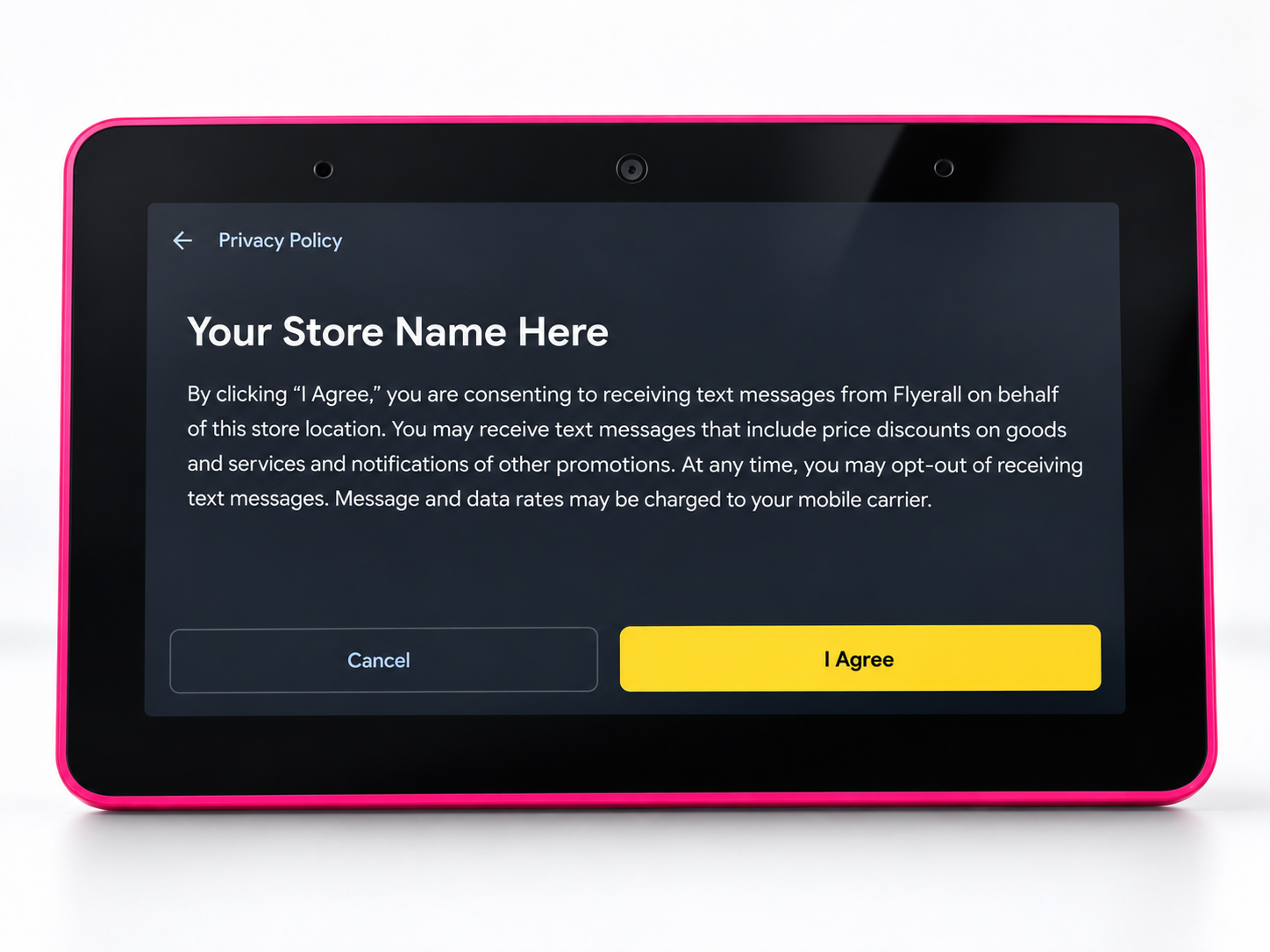
Customers must agree to receive text messages from the store, including weekly specials, discounts and promotions.
- Clear privacy policy
- Customers choose to opt in
- Compliant and secure
Receive Promotions by Text Message & View in the App
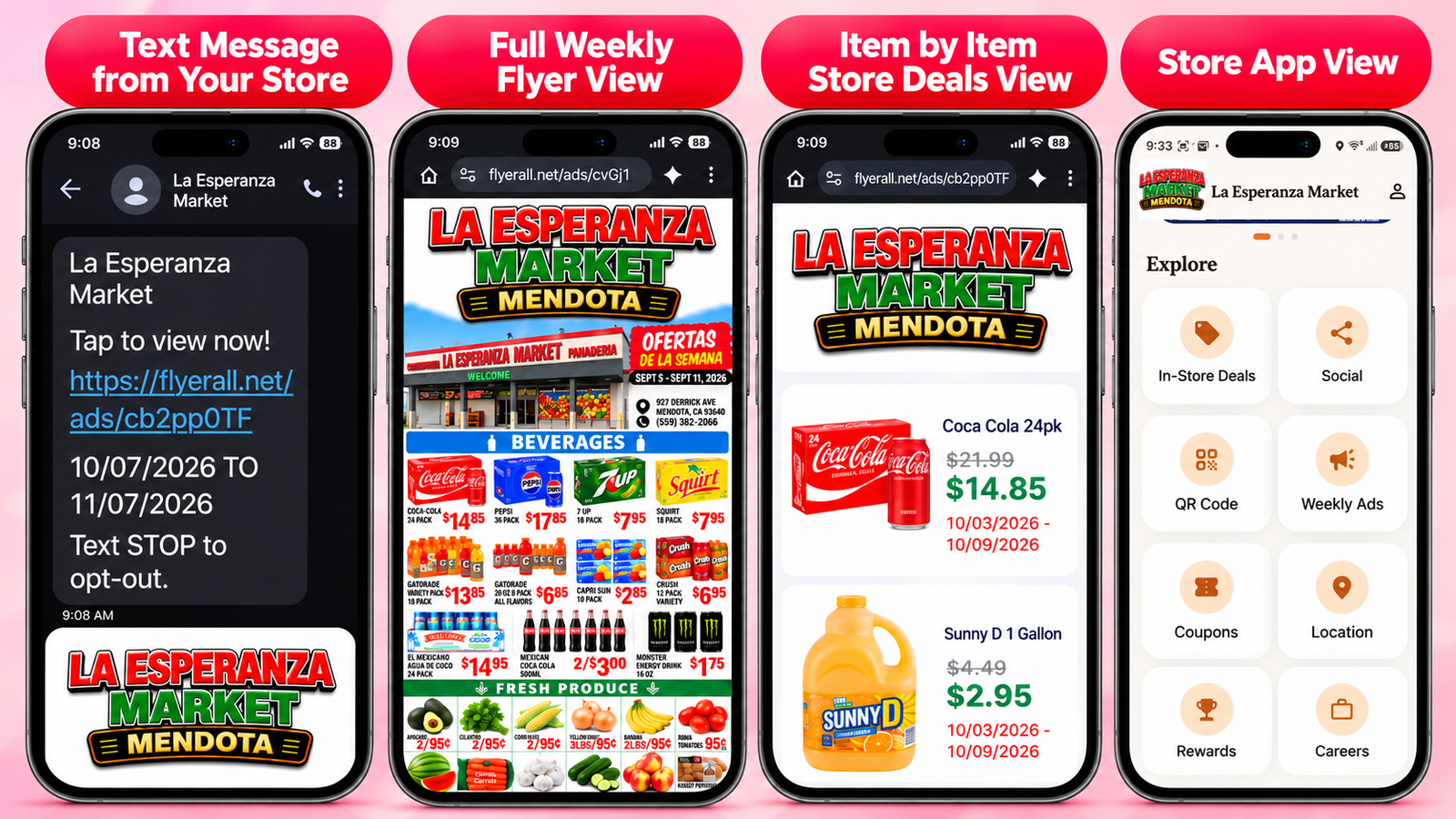
The store can send weekly ads, coupons, deals and announcements directly to customers by text. Customers can also open your store's app to see all promotions, rewards, store information and more.
- Send weekly specials
- Share coupons and announcements
- Customers can view everything in your app
Get Points & Rewards
After signing up, customers get points for every visit. They can see their points and available rewards on the tablet and in the app.
- Automatic points per visit (example: 25 points)
- Custom rewards (you control it)
- Redeem from the app
Redeem Your Reward In Store
When you have enough points, redeem the reward in the app and show the barcode at checkout to get your item. Rewards can only be redeemed in the store.
- Tap Redeem on the reward
- Show the barcode to the cashier
- Get your item in the store